Start your first search
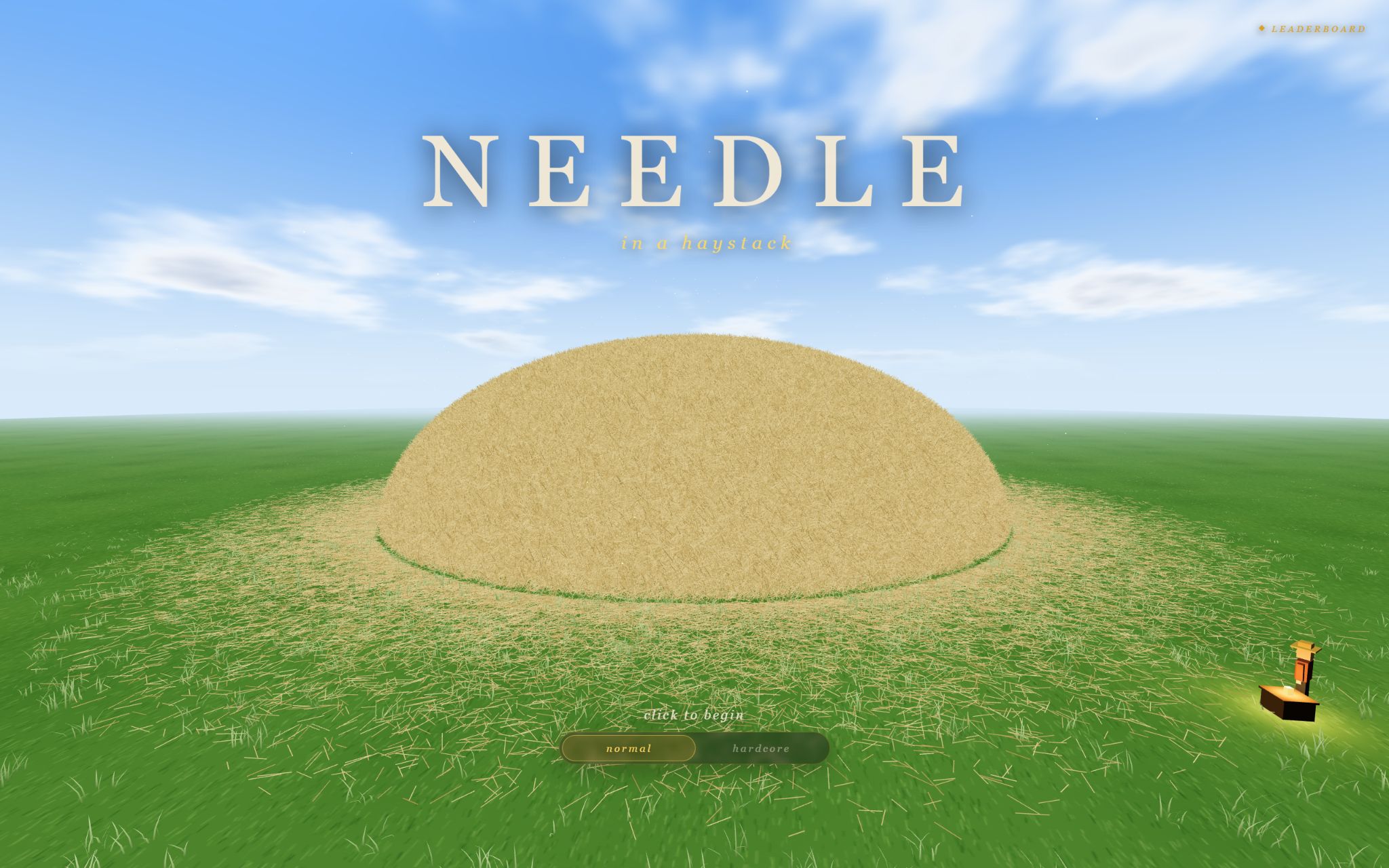
Needle in a Haystack is a 3D browser game by Coder Gautam. Your goal is to explore the haystack and collect ten hidden needles. This independent website presents the version supplied by GameDistribution.
- Open the game player and select Start exploring. The provider’s player opens in a new tab and may show an advertisement.
- Choose a difficulty on the game’s menu. Normal mode is a useful starting point because it includes hot-and-cold guidance.
- Click inside the game to focus it, then start exploring with your keyboard and mouse.
Keyboard and mouse controls
| Input | What it does |
|---|---|
| W A S D | Move around the haystack. |
| Move the mouse | Look around and inspect the hay. |
| Mouse click | Collect a needle when you spot it. |
| Esc | Release the captured mouse so you can use the page again. |
If movement keys do nothing, click inside the game first. The game runs in its own tab, so use that tab’s fullscreen control to give it more room. Use the in-game prompts if the provider changes a control.
A keyboard and mouse are recommended. The surrounding page works on smaller screens, but touch controls and mobile compatibility depend on the supplied game.
Read the hot-and-cold detector
In normal mode, the detector gets warmer as you approach a needle. Use it to narrow your search, then look carefully and click the needle to collect it.
When the reading gets warmer, continue a short distance and check again. If it gets colder, change direction. Moving in short steps makes it easier to notice which way helps.
Use a simple search pattern: inspect one area before moving to the next, and turn the camera to check the same spot from another angle. These are suggested search habits, not a map of guaranteed needle positions.
Normal or hardcore?
Normal mode includes hot-and-cold guidance and is the recommended place to learn the search controls. Hardcore mode is the tougher option shown on the start menu. Read the current in-game instructions before choosing it; this guide does not assume every mode has the same assistance.
For a first session, concentrate on spotting and collecting needles. Once the controls feel familiar, you can try to finish a search faster or choose a harder mode.
Coins, tools, and upgrades
Finding needles earns coins. Visit the in-game merchant to see the tools and upgrades currently available, and read each description before spending. Prices and available items belong to the provider’s version, so use the in-game shop as your reference.
Start by identifying what is slowing your search: navigating, spotting small objects, or covering an area systematically. Compare the available tools with that need. The objective remains finding all ten needles.
Game not loading?
The game opens in its own tab on GameDistribution and needs an internet connection, WebGL support, and access to the provider’s services. Try these steps in order:
- Allow the new tab. If nothing opens after you press Play, your browser may be blocking pop-ups for this site. Allow pop-ups for needleinahaystack.live, then press Play again.
- Give the player a moment. Its initial download or an advertisement can take time. A loaded frame alone does not mean the game is ready.
- Try a current desktop browser. If the page opens but the 3D view stays blank, check whether your browser supports WebGL and hardware acceleration.
- Open the game directly. The same GameDistribution player works without the button on this page. Reloading may lose progress in the current round.
- Check the connection. Network restrictions, privacy settings, or provider downtime can prevent the remote player from loading.
If the direct link also fails, this showcase cannot repair the provider’s service. It does not run a separate game or multiplayer server.
Ready to find the first one?
Start with normal mode and let the detector guide your next few steps.
Play Needle in a Haystack